
Personalized
Your hardware decides what gets optimized. TrueX reads your CPU, graphics card, memory, board and Windows, and only recommends what fits them.
Optimize. Benchmark. Prove it. TrueX finds the tweaks your PC actually needs, measures your games before and after, and keeps a way back from every change.
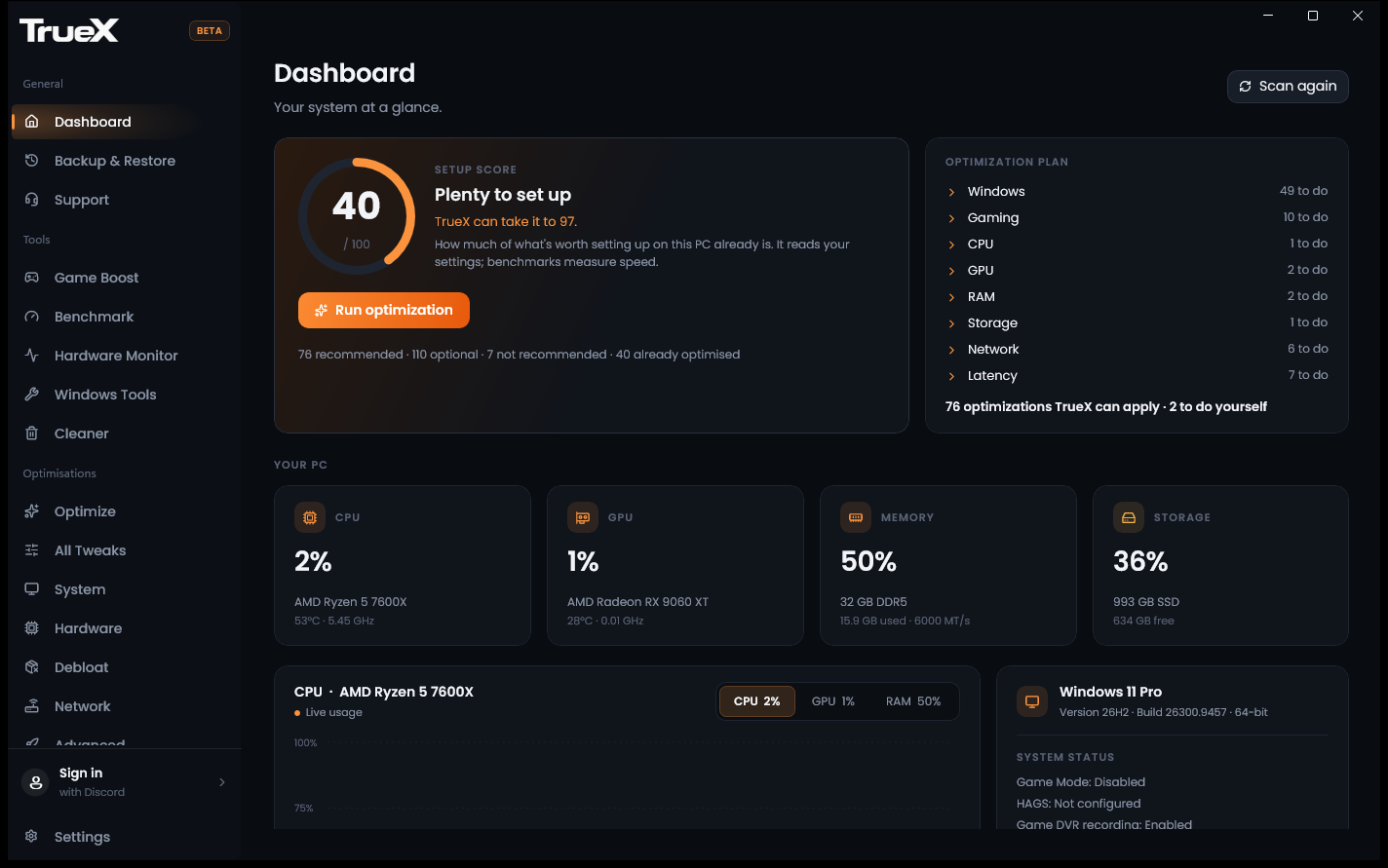
Most optimizers count their tweaks. TrueX finds the ones your PC needs, and shows you what they did.
Your hardware decides what gets optimized. TrueX reads your CPU, graphics card, memory, board and Windows, and only recommends what fits them.
Benchmark your games before and after. Average FPS, 1% lows and frame times come from the game itself, not from a guess.
Your settings are saved before anything changes. Undo one tweak, a whole category, or everything, in one click.
Recommendations follow new versions of Windows, drivers and games, and every one is written down with what it does and why.
TrueX looks at what's inside your machine before it suggests a single change, measures what changed, and keeps a way back from every one.
TrueX scores how well your PC is set up, then sorts every tweak into recommended, optional, not recommended for your PC, or already done. Review the plan, then apply it in one click.
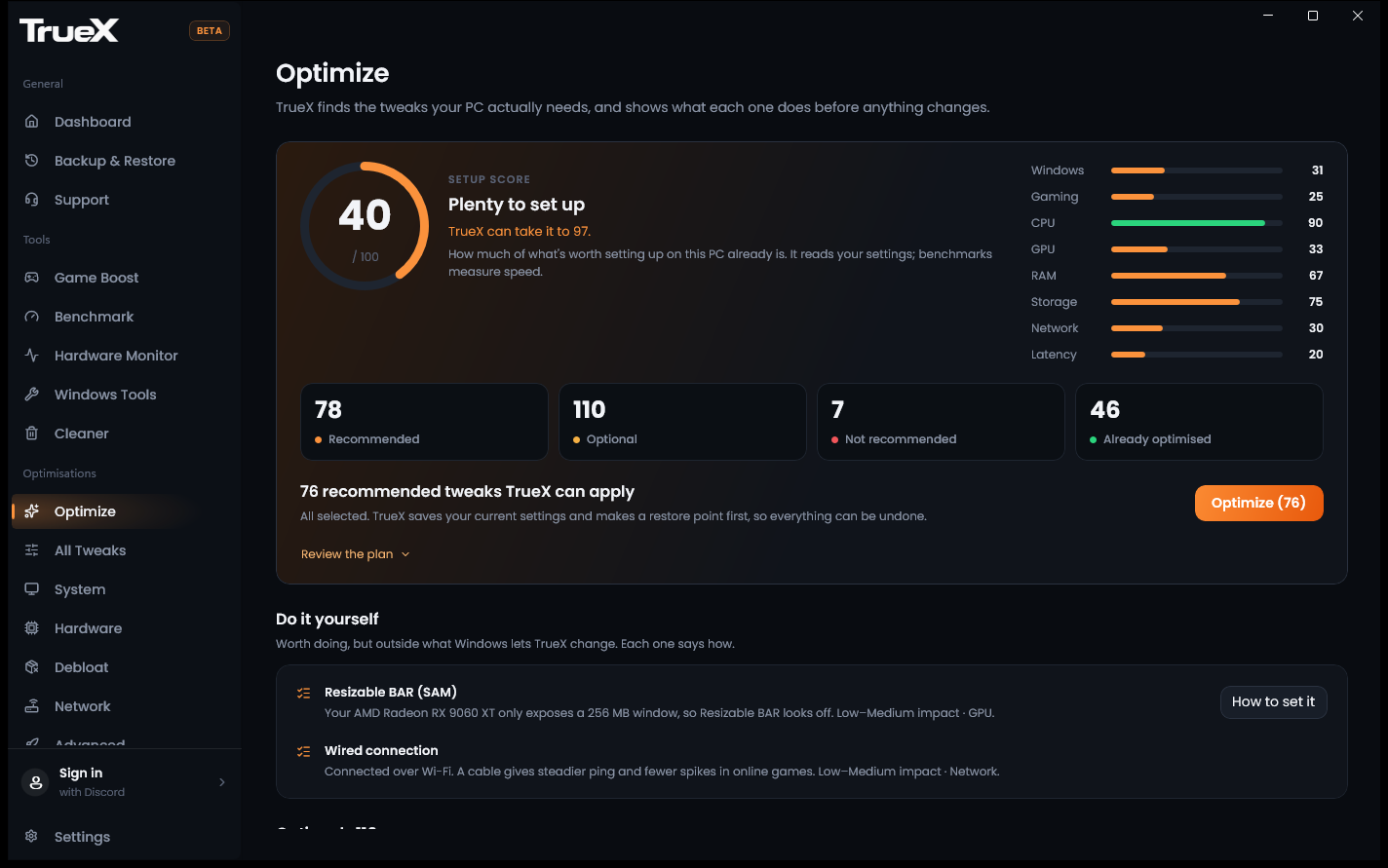
Play the same route in your game before and after optimizing. TrueX records the frames with Intel PresentMon and shows what changed, including when a change is too small to call.
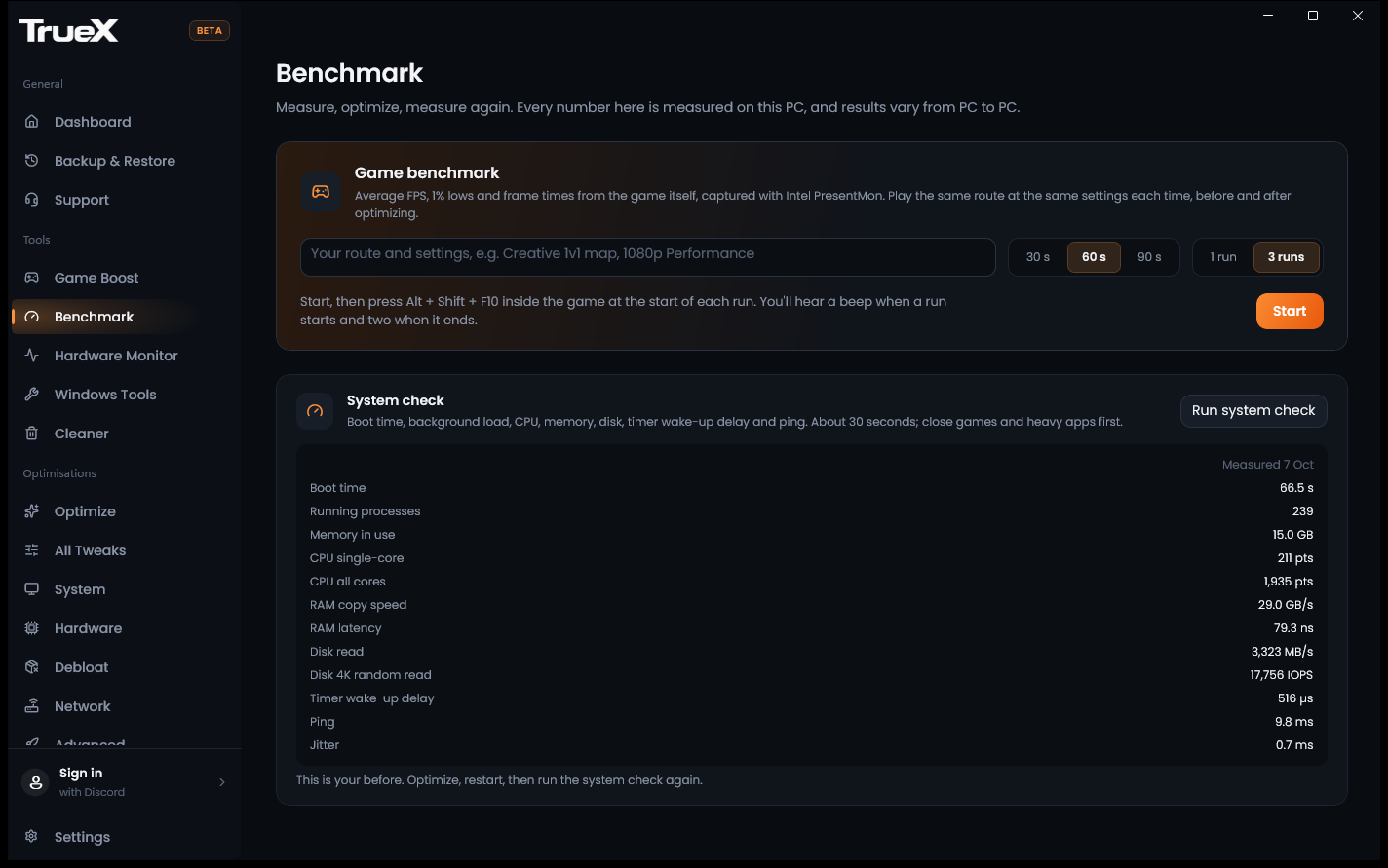
TrueX saves your current settings before it changes them, checks each change worked, and keeps a log. Put back one tweak, one category, or everything.
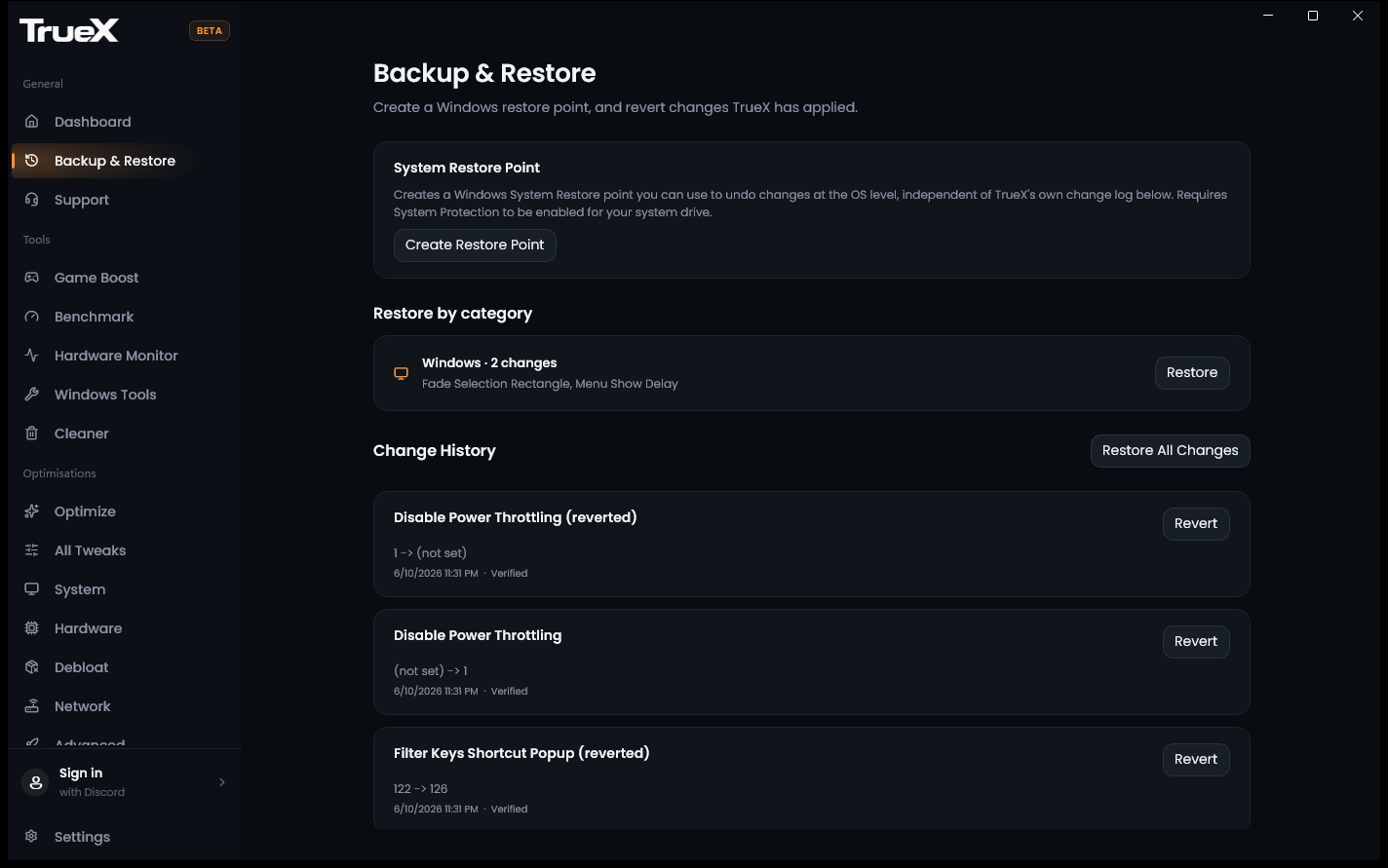
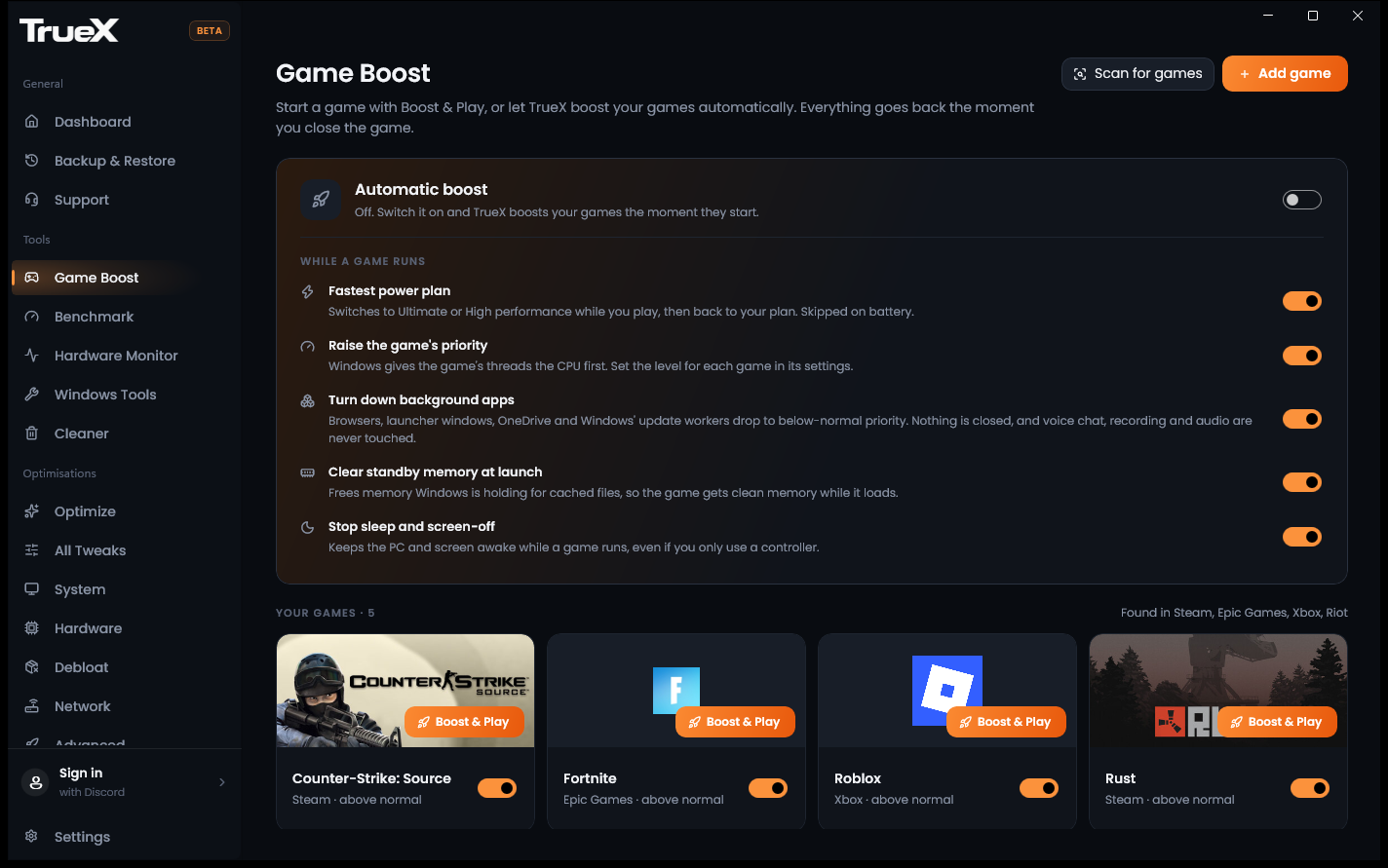
TrueX finds your games from Steam, Epic, Riot, Battle.net, EA, Ubisoft, GOG and Xbox. Start one with Boost & Play, or let TrueX boost it automatically, and everything goes back when you close it.
Your graphics card's power limit, through AMD's or NVIDIA's own driver and only within the card's range, with one click back.
What to set in your BIOS and where, from what Windows can see. On Dell, HP and Lenovo PCs, TrueX can change it through the maker's own tools.
CPU, GPU, memory and storage at a glance, with temperatures, clocks and live usage graphs.
Turn off promotions, telemetry and the background extras Windows adds that you never asked for.
Scan for temporary and junk files, choose what to remove, then clean.
Quick access to the Windows settings and tools that matter for gaming, all in one place.
Same PC, same game, same settings, same route, run more than once. That's how TrueX tells a real gain from run-to-run noise, and it says so when there's no clear change.
Play a route in your game while TrueX records it. That's your before.
Apply the plan TrueX built for your hardware. Your settings are saved first.
Play the same route. TrueX shows what changed, and says so when it didn't.
Game Boost finds your games wherever they're installed and boosts them while you play. Benchmarks work with any game that draws on screen.
Sign in with Discord to get started. TrueX Pro is a one-time purchase, with no subscription.
Scan, score and the safe recommendations
One-time purchase
No "+300 FPS" promises. Results vary by system: TrueX shows you what changed on yours.
It depends on your PC. A PC that's already well set up has less to gain, and some changes make no measurable difference on some hardware. That's why TrueX benchmarks before and after: you see what changed on your PC, and it tells you when a difference is too small to call. Results vary by system.
Game benchmarks use Intel PresentMon, which reads Windows' own graphics events, to record every frame. Average FPS is frames divided by seconds, and the 1% low is the average FPS of the slowest 1% of frames. With three runs before and after, a change smaller than the run-to-run variation is shown as no clear change.
TrueX only changes settings that Windows and your hardware makers provide, like registry values, power plans, and boot, network and driver options. It saves your current setting before each change, checks the change took effect, and keeps a log so you can undo it. Tweaks that would get in the way of how you use your PC are marked not recommended, with the reason.
No. TrueX never edits game files or injects into games. Game Boost raises a running game's priority and changes Windows settings only while you play, then puts them back when the game closes.
Free includes the scan, the setup score, the safe recommended tweaks, system checks, single-run game benchmarks and every undo. Pro is a one-time $49.99 purchase that adds every other tweak, Game Boost, GPU tuning, BIOS changes on supported PCs, three-run benchmarks, reports and TrueX Verified. No subscription.
Windows 10 (version 1809 or newer) and Windows 11. Tweaks that don't fit your version of Windows or your hardware aren't shown.
Your Discord account becomes your TrueX account, so there's no new password to remember. Pro is tied to it, and signing in also gives you the TrueX Member role in our Discord server.
Share your before and after results, get help from the team, and follow updates on our Discord server.